
SimEngine The open-source game engine built for LLMs, not for mouse clicks.
A lean, general-purpose C++20 and Vulkan 3D engine with no editor and no GUI baggage. Coding agents build, run and verify your game from the terminal, spending tokens on the game rather than on learning a tool, while the runtime stays native for AAA ambitions. Free under the MIT license; the code goes public with the first release.
Set up SimEngine and build my first verified scene with it. Read https://indiega.me/simengine/llms.txt and https://indiega.me/simengine/agent-guide.md first, then AGENTS.md in the SimEngine checkout. Get the checkout with git clone https://github.com/romainsimon/SimEngine.git (keep it outside my project). The repository is private until the first distributable milestone: if the clone fails with "Repository not found" or asks for credentials, stop and tell me I need access, do not look for copies elsewhere. SimEngine is a local C++20 / Vulkan 1.3 engine driven from the command line: there is no hosted API, no API key and no MCP server. Every tool prints one JSON document per command; classify results by exit code, then by error.code. 1. Setup. On Linux run ./tools/setup.sh --install-missing; on Windows 11 (Visual Studio 2022 C++ x64, CMake 3.28+, Ninja, Python 3.12+) run tools/setup.ps1. Expect zero failures among the selected CTest tests and report skips separately. Show me the smoke summary JSON naming my Vulkan device, or the structured BLOCKED outcome. 2. Discover. Run simengine_host --capabilities and tell me the scenario schema version, the commands, components and modules this build has. Use nothing that is not listed. 3. Create. Follow the simengine-create-project skill (https://indiega.me/simengine/skills/simengine-create-project/SKILL.md): create my project OUTSIDE the engine checkout, check it, run it and verify it. Expect PASS, 3 of 3 expectations, three PNG captures and a manifest.json. 4. Change. Follow the simengine-modify-scene skill: add one object, move it with a scheduled command, add an expectation for where it ends, then check, run and verify again. Prove the change: the new final_state_sha256 differs, the new expectation passed and the new capture shows the object. 5. On failure, follow simengine-run-capture-diagnose: report the exit code, failure.code, failure.step and failure.message verbatim, fix only my project files, and say plainly if the render is BLOCKED_ENVIRONMENT (no Vulkan device). Never edit engine sources, tests or examples to get a pass, and never fake a capture. SimEngine is pre-release. This workflow covers headless scenarios and captures, not general gameplay authoring. Textured static assets and a separate native SDK are implemented; the reviewed external Relay Yard preview exercises input, a game loop and directional shadows. Do not infer scenario commands from those native features. General rigid-body gameplay and audio remain unavailable here. Finish with a short report: commands run, exit codes, digests, PNG paths, and what SimEngine could not do. For refactors preserve expected state; presentation changes can change pixels without changing the simulation digest.
01Lean by design
Everything an agent
doesn't need, gone.
General-purpose engines carry a lot that only humans use. SimEngine leaves it out, so the whole engine fits in what an agent can read and check, and every change costs as little as possible.
What if you rebuilt a game engine from the ground up for AI agents, not for humans?
−Left out, on purpose
- Visual editorA minimal diagnostic inspector is planned instead
- GUI authoring stateScenes are versioned text with units and frames
- Plugin marketplaceOptional modules with explicit contracts
- Scripting VMNative code and data until evidence says otherwise
- A platform matrixWindows 11 x64 first, Linux for headless CI
- An LLM in the runtimeAI drives development, never a frame
+Kept, for agents
- Typed commandsOne capabilities document lists everything callable
- Seeded headless scenariosSame seed, same ticks, same digest
- Offscreen Vulkan capturesPNG plus manifest, a black frame fails
- Structured diagnosticsCoded errors with the step that failed
- Native C++20 + Vulkan 1.3No VM, no GC, frame time as a budget
- Agent skillsCreate, modify and diagnose, in every project
Cutting the editor doesn't make the runtime faster by itself. It shrinks what an agent has to learn. Speed comes from native code and measured frame budgets.
02Architecture
Your build only contains
what your game uses.
Dependencies only point down: applications use modules, modules use the core, and the core never imports either. A space game and a crate-stacking demo build on the same core.
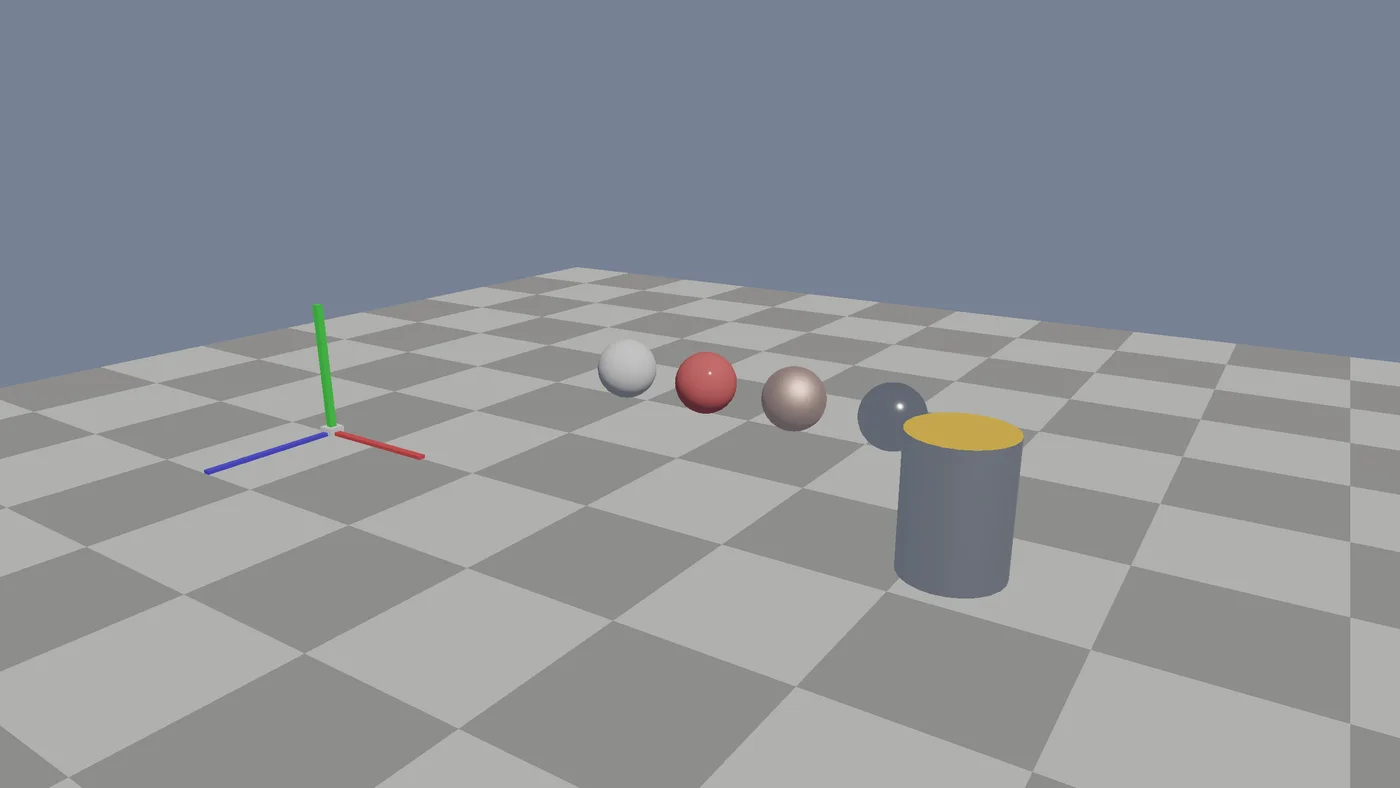
Toggle the module. The agent's view of the engine changes with the build, so it can never call what isn't there.
$cmake --preset linux-release
$simengine_host --capabilities
{ "capabilities": { "modules": [], "commands": [ "simengine.entity.set_position" ], "scenario_schema": { "schema_version": 1 } } }
Abridged. Identifiers from modules/point_mass in the SimEngine repository.
03Scale
One engine, from a blood cell to the Solar System.
Games live at wildly different sizes. Some fly rockets between planets, others shrink down to cells. SimEngine keeps positions precise at every size, so one engine can do both.
Most engines measure every position from one point. Far from it, a 32-bit position gets coarse: measured from the Sun, a rocket near Earth can only move in 16 km steps. It shakes, sinks into the pad, or falls apart.
Positions live in nested frames (star, planet, base, vehicle) and the GPU draws relative to the camera. The same rocket moves in 1.9 µm steps, and a blood cell is as precise as a planet.
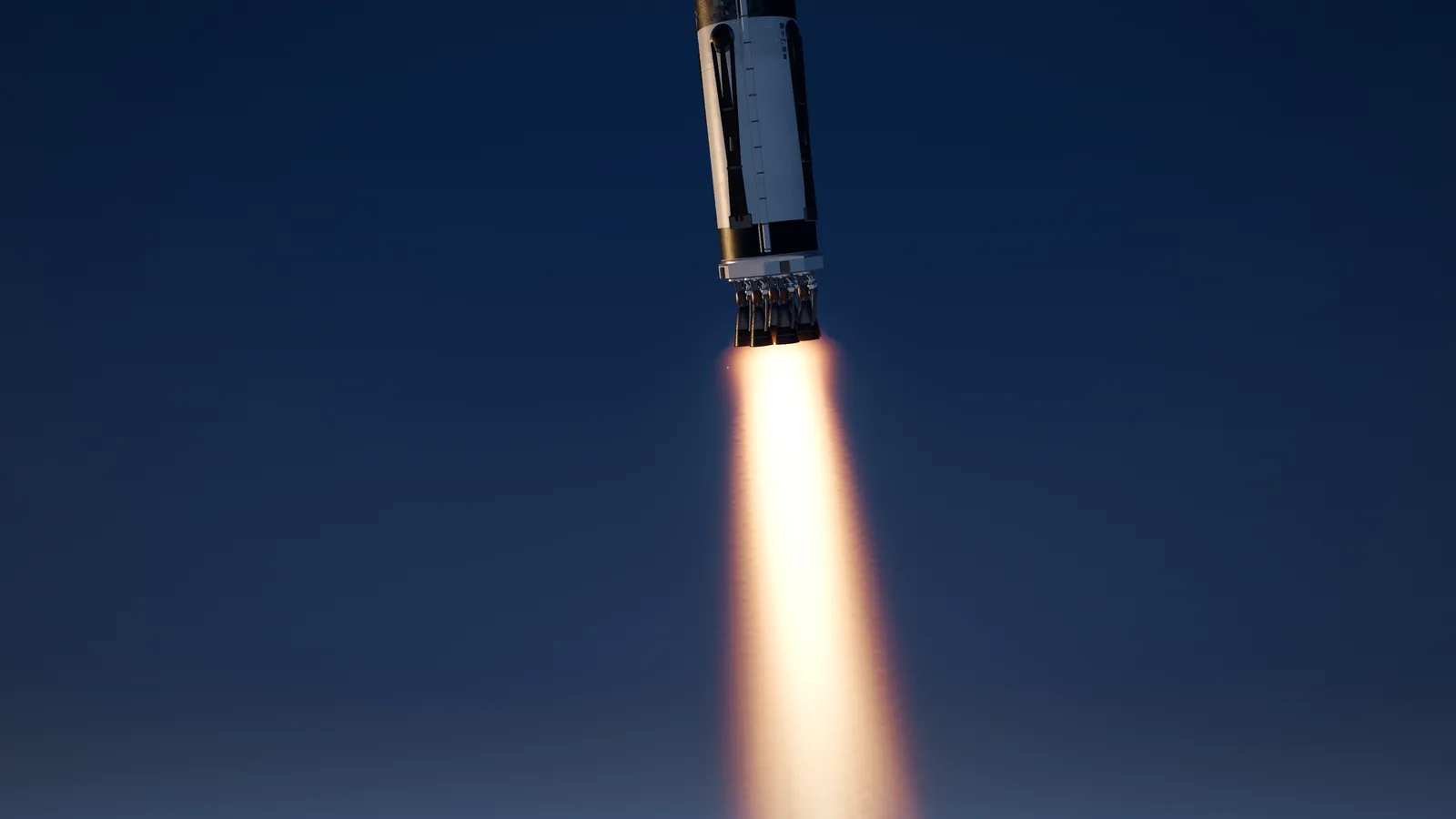 From a 50 m rocket to the outer planetsSpaceSim: Pale Blue DotWhere SimEngine comes from: our space game outgrew Godot. Now one example of what it is built for, and the hardest test it has to pass.Built with Godot todaySee the game →

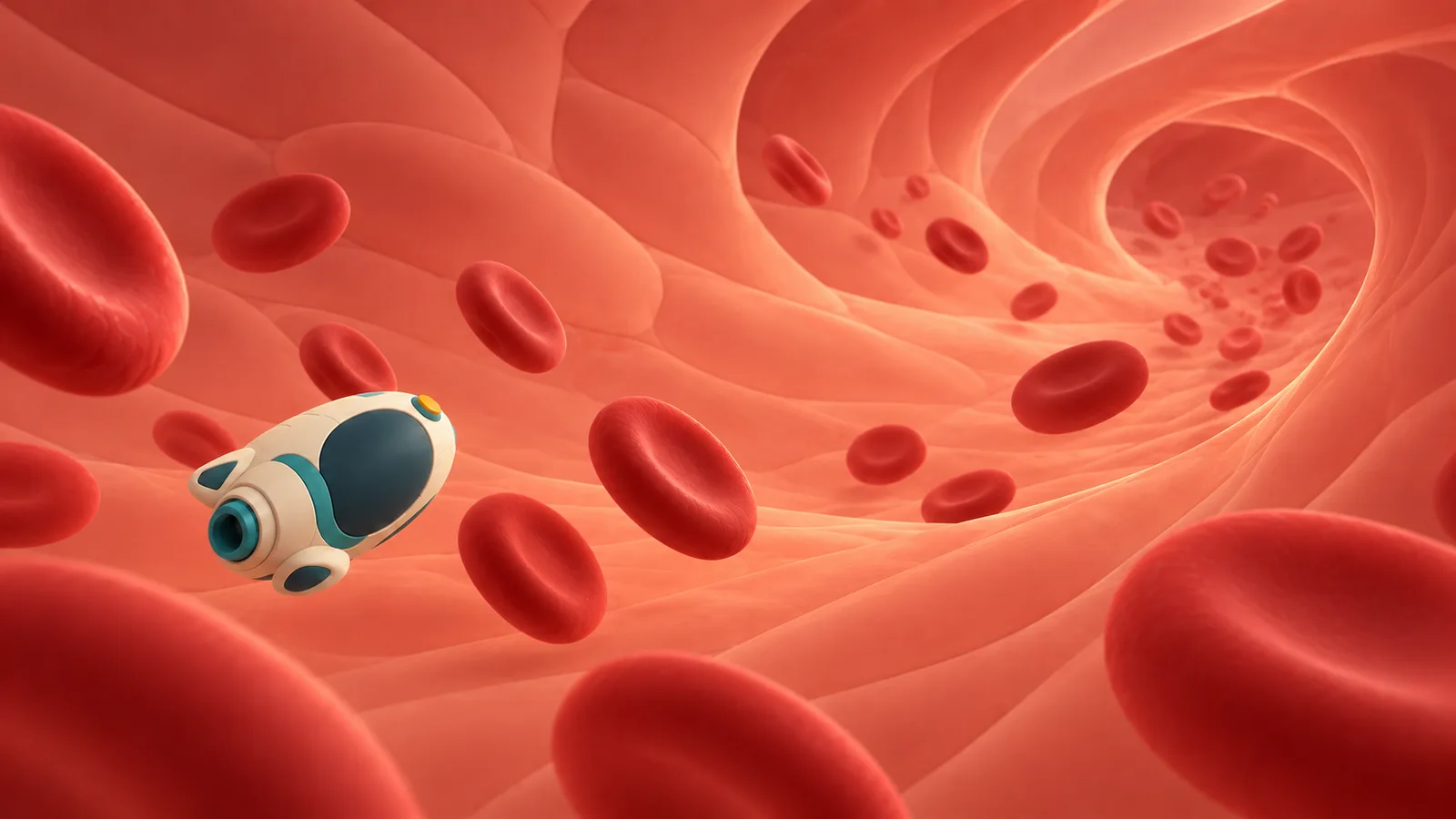 From a 1.7 m body down to 8 µm blood cellsNano DoctorThe other end of the scale: a body explored down to its cells, in one continuous world.Built with Godot todaySee the game →

Neither game runs on SimEngine yet. They are the kind of worlds it is designed for, and Pale Blue Dot is the bar it has to clear.
04Evidence over claims
A change only counts
when a test proves it.
The roadmap tracker rejects any task marked complete without evidence. Accepted work keeps its manifests, captures and independent review. That discipline is what lets agents work on the engine without it quietly rotting.
“Compiling successfully, surviving one tick, or emitting a success boolean is insufficient acceptance.”
REQ-028 · Independent acceptance
“Development is LLM-driven; the shipped runtime is not.”
ADR 0005 · LLM-first development
05Measured, not claimed
Is SimEngine worth it
yet? Not for shipping.
SimEngine only earns a place next to Godot, Unreal and plain C++ if it wins on three things: fewer AI tokens to build a game, native performance and high-end visuals. This is where each one stands, measured on fixed comparisons. Anything we have not measured is marked as such.
Code an agent writes
Ahead · 6–20× smaller than beforeHow much code does the same game need?
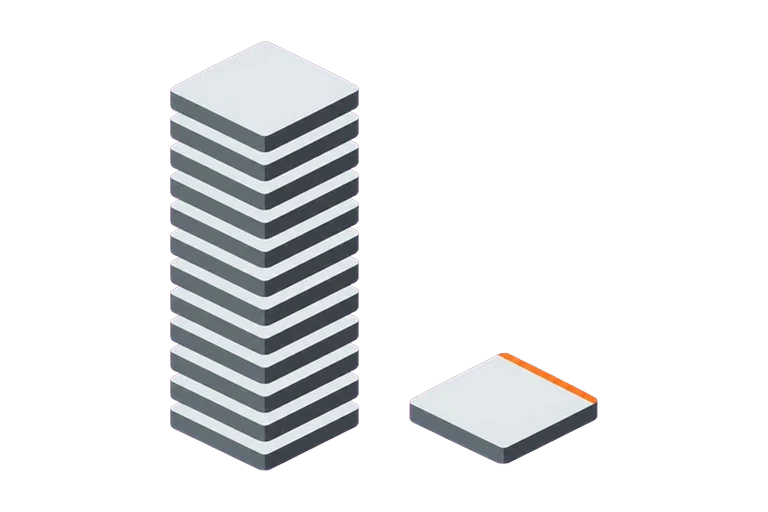
With the new game layer: crate puzzle 224 lines instead of 1,456; first-person courtyard walk 40 lines instead of 859, plus a 349-line collider file that is no longer needed. Compared with SimEngine’s own previous API, not yet with an equivalent Godot game.
Next: Same games in Godot, counted the same way (SIM-095)
AI tokens to build a game
Behind · Not yet: 1.2× to 3.8× the tokens in pilotsDoes a fresh agent spend fewer tokens than in Godot?
First pilot with the game layer: one brief (the crate puzzle), one attempt per engine. SimEngine used 620,458 tokens ($0.63) and Godot 511,559 ($0.50); the owner judged the two games equivalent. SimEngine’s API reference costs context, while Godot’s API is already in the model’s weights. Second pilot, the bouncing-balls toy with physics: 706,021 tokens ($0.46) against 183,929 ($0.24). SimEngine’s agent spent most of them checking the toy headless and fixing balls that escaped the box; Godot’s only checked that it launched. The owner accepted both games as about equivalent. Rerun with the one-command build and a fuller API reference, the same toy took SimEngine 303,233 tokens ($0.24) in 9 turns instead of 22: the same cost as Godot, 1.6× its tokens. One run per engine is not a result. Before the game layer, 3 attempts each were a tie.
Next: Five fixed briefs, three attempts each (SIM-095)
Runtime performance
Ahead · 1.6–2.4× faster than Godot on this sceneFrame time against Godot and hand-written C++
The same scene in both engines: up to 100,000 spheres, all moving every frame, with shadows and 4× MSAA, in a window without vsync, on an RTX 4070 Ti. SimEngine’s frame time is 1.6 to 2.4 times lower than Godot 4.7.2 (MultiMesh with a GDScript update), at 1080p and 1440p over 3 runs. At 100,000 objects and 1080p: 13.4 ms against 30 ms. Most of Godot’s frame is its GDScript update; a Godot version in C# or C++, and a hand-written C++ baseline, are not measured yet. Physics, on Jolt in both engines: a pile of 2,000 boxes costs 5.7 ms per frame against 7.2 ms in Godot, though it takes 4.0 s to fall asleep against 1.3 s.
Next: Hand-written C++ baseline, Godot in C#, and a textured glTF level (SIM-097)
Visual quality
Behind · Behind: 2.3 against Unreal’s 5.0Can players tell it apart from Godot or Unreal?
Blind review of three fixed scenes, rendered by SimEngine, Godot 4.7.2 and Unreal 5.8 (Lumen with hardware ray tracing) from one specification, with exposure matched on a gray card and labels shuffled per scene. Mean realism from the owner’s ratings: SimEngine 2.3 out of 5, Godot 3.3, Unreal 5.0. In daylight SimEngine scored 4, like Godot. At night its lamps cast no shadows (2), and a room lit through one opening looked flat without global illumination (1).
Next: Shadows for local lights, ambient occlusion, then global illumination (SIM-102 to SIM-104), after core gameplay features

Checking work without a screen
Ahead · Ahead by designCan an agent run, replay and capture the game by itself?
Every SimEngine game accepts --headless, --capture out.png, --input key replays and --report, and reports errors as JSON with exit codes. Godot’s --headless and Unreal’s -nullrhi run without rendering, so they cannot capture a frame.
Next: Show that it lowers token cost (SIM-095)
Updated 2026-11-04 · from SimEngine evidence records SIM-086 to SIM-097
06Spec sheet
What's inside,
and what isn't.
- Language
- C++20
- Graphics
- Direct Vulkan 1.3
- Editor
- None, by design
- Runtime VM
- None
- AI in the runtime
- None
- Determinism
- Seeded scenarios
- Platform
- Windows 11 x64
- License
- MIT
07Roadmap
What's built,
and what's next.
implementation tasks done
Next: prove the advantage. First a compact game layer, so that a game is only gameplay code. Then a renderer that scales to 100,000 dynamic instances, then HDR lighting. Each step is measured against Godot on agent tokens, frame time and image quality. SpaceSim paces the later milestones, with space features in optional modules a platformer never loads.
- Core
- Space module · optional
- Reference game · not in the engine
Make the objective, contracts, decisions and implementation state explicit before runtime work.
- SIM-000Prepare the repository and evidence-driven implementation systemDone 26 Oct
- SIM-074Document the proposed architecture with reviewed visual diagramsDone 28 Oct
Choose the first hardware/quality contract and prove a general core, optional module boundaries, non-space example and agent observation path.
- SIM-001Lock the initial product, hardware and quality acceptance contractDone 26 Oct
- SIM-002Evaluate graphics and physics foundations and record adoption decisionsDone 26 Oct
- SIM-003Create reproducible runtime builds and the first backendDone 26 Oct
- SIM-004Implement clocks, jobs, resource ownership and diagnostic foundationsDone 27 Oct
- SIM-005Expose the first scenario runner and machine-readable control surfaceDone 27 Oct
- SIM-006Render a minimal reproducible scene and capture GPU evidenceDone 27 Oct
- SIM-007Choose open-source licensing and maintain distribution provenanceDone 26 Oct
- SIM-008Run a minimal non-space application against the reusable coreDone 27 Oct
- SIM-009Establish engine, optional-module and application boundariesDone 27 Oct
- SIM-066Approve the initial visual reference corpusTo do
- SIM-067Measure the Godot SpaceSim replacement baselineReference gameTo do
- SIM-068Re-verify the corrected spikes on the Windows targetDone 4 Nov
- SIM-077Bind test and capture evidence to the rebuilt artifact identityDone 28 Oct
Validate general transforms and local physics in an independent non-space sandbox, plus optional spatial frames and transitions between orbital and local simulation.
- SIM-010Implement explicit units and hierarchical reference framesDone 27 Oct
- SIM-011Preserve continuity through frame and origin changesIn review
- SIM-012Create versioned universe identity and seeded generationSpace moduleIn review
- SIM-013Implement orbital propagation and numerical integration contractsSpace moduleTo do
- SIM-014Integrate local rigid bodies, contacts and constraintsDone 4 Nov
- SIM-015Connect orbital and local simulation regimesSpace moduleTo do
- SIM-016Implement safe time warp and fidelity schedulingSpace moduleTo do
- SIM-070Close the SCN-009 M2 physics-sandbox gaps left after SIM-105To do
- SIM-075Establish persistent render resources and bounded publicationDone 28 Oct
- SIM-076Run a generic desktop frame loop with windowed presentationDone 28 Oct
- SIM-078Start the portable preliminary Godot comparisonDone 31 Oct
- SIM-079Deliver a complete bounded external non-space puzzleDone 31 Oct
- SIM-080Exercise the limited preview with a blank-context consumerDone 31 Oct
- SIM-081Add bounded native MSAA for the playable visual previewDone 31 Oct
- SIM-082Establish native image sharpness and calibrated color outputDone 31 Oct
- SIM-083Improve bounded local shadow contact, filtering and stabilityDone 31 Oct
Carry out ADR 0019 in its order (game layer, then renderer data path, then image quality) and measure each axis against its fixed comparison. Numbered M9 because milestone IDs are stable; it is listed after M2 and comes before M3, whose spatial work waits for a measured win (ADR 0019 section 2).
- SIM-089Index retained instance slots during scene publicationDone 3 Nov
- SIM-091Fix defects found in the 2026-11-03 code reviewDone 3 Nov
- SIM-092Provide a compact game layer for agent-authored applicationsDone 3 Nov
- SIM-093Add a kinematic character controller with generated mesh collidersDone 3 Nov
- SIM-094Scale the renderer data path for heavy dynamic scenesDone 3 Nov
- SIM-095Measure authoring cost against Godot on fixed game briefsIn progress
- SIM-096Build the HDR frame graph and post chainIn progress
- SIM-097Measure runtime performance against Godot and hand-written C++To do
- SIM-098Add split-sum image-based lightingTo do
- SIM-099Add clustered local lightsTo do
- SIM-100Add temporal anti-aliasing and cascaded directional shadowsTo do
- SIM-101Review the lighting tier blind against Godot and UnrealTo do
- SIM-102Add shadows for local lightsTo do
- SIM-103Add ambient occlusionTo do
- SIM-104Decide the global illumination tierTo do
- SIM-105Expose rigid bodies, joints and collision events in the game layerDone 4 Nov
- SIM-106Add sound playback and spatial audio to the game layerDone 10 Nov
- SIM-107Play skeletal animation from cooked glTF in the game layerDone 11 Nov
- SIM-108Save and load game state in the game layerIn review
- SIM-109Spike dense-foliage rendering against simpler baselines (Forest-01)To do
- SIM-110Complete game-layer input: mouse, scripted mouse events, actions, gamepad and master volumeIn review
- SIM-111Add game-layer overlap queries, contact state, entity keys and two-way character interactionIn review
- SIM-112Look up names and children in loaded glTF levels and save lists and nested valuesTo do
- SIM-113Add game-layer UI and text: TTF text, basic widgets, transparency, world-to-screen and debug linesIn progress
- SIM-114Package a finished game and an early preview SDKIn review
- SIM-115Make game-layer changes and physics cost proportional to what changedIn review
- SIM-116Consolidate the engine around the game layer, with an owner decision on the scenario/host stackTo do
- SIM-117Add particles and material features to the game layerTo do
- SIM-118Restore Linux/GCC verification of main since afdfd86In review
- SIM-119Archive the raw pre-ADR-0019 evidence corpora out of GitTo do
- SIM-120Place feet on uneven ground with two-bone IK in the game layerTo do
- SIM-121Cut agent authoring turns: one-shot check command and a tiered referenceIn progress
- SIM-122Make game feel good by default: character motion, follow camera and an animated playerBlocked
- SIM-123Showcase: a living city plaza that a tuned Godot cannot run at the same frame rateTo do
Generate a coherent planetary surface with scalable detail and bounded work, memory and caching.
- SIM-020Implement planetary geometry and screen-space terrain detailSpace moduleTo do
- SIM-021Align terrain seams, collision surfaces and transition rulesSpace moduleTo do
- SIM-022Build asynchronous streaming with cancellation and bounded uploadsTo do
- SIM-023Create scale-aware planetary material and biome generationSpace moduleTo do
- SIM-024Implement versioned caches and resource residency accountingTo do
- SIM-025Validate fast approaches and streaming stressSpace moduleTo do
Make the first complete gameplay sequence possible with constructed vehicles and reliable saved state.
- SIM-030Build the asset import, cooking and validation pathIn progress
- SIM-031Implement vehicle parts, assembly and docking contractsReference gameTo do
- SIM-032Implement staged propulsion and flight dynamicsReference gameTo do
- SIM-033Add flight controls, flight HUD and inspector on the game-layer input and UIReference gameTo do
- SIM-034Extend game-layer saves with migrations, module data, SpaceSim state and crash-safe checkpointsTo do
- SIM-035Make the canonical construction-to-landing sequence playableReference gameTo do
- SIM-036Add SpaceSim audio event feedback on the game-layer audio serviceTo do
Reach a reviewed visual reference across detailed ground scenes, flight and orbital views.
- SIM-040Establish detailed PBR assets and the ground quality referenceTo do
- SIM-041Extend the lighting, shadow and reflection path to the spatial scenesTo do
- SIM-042Implement atmosphere continuously from ground to orbitSpace moduleTo do
- SIM-043Add bounded clouds, exhaust, dust and flight effectsTo do
- SIM-044Extend temporal reconstruction and history continuity to frame and LOD changesTo do
- SIM-045Extend visibility, draw scheduling and shader pipeline residency to the spatial scenesTo do
- SIM-046Approve the full visual and temporal reference corpusTo do
Provide reliable semantic control, observability, isolated candidate evaluation and compatible reload workflows.
- SIM-050Complete typed semantic agent operations and API discoveryTo do
- SIM-051Expose coherent state, captures and performance inspectionTo do
- SIM-052Automate isolated candidate builds and serialized acceptanceTo do
- SIM-053Implement validated data and shader reloadTo do
- SIM-054Prove compatible native reload or checkpoint-and-restart recoveryTo do
- SIM-055Measure agent productivity per accepted changeTo do
Validate the generic consumer, demanding SpaceSim slice and intended open-source distribution together on declared profiles.
- SIM-060Validate the complete AAA spatial flight sliceReference gameTo do
- SIM-061Pass the locked performance and resource acceptance gatesTo do
- SIM-062Pass numerical, physics and adversarial simulation gatesTo do
- SIM-063Pass persistence, replay and recovery acceptanceTo do
- SIM-064Accept the integrated general-purpose engine distribution candidateTo do
- SIM-065Prepare a reproducible open-source engine package and independent consumerTo do
Click a milestone to see its tasks. The total counts implementation tasks only: it leaves out M0 repository preparation and deferred work, like the engine's own status page. Counts are not a percentage of effort or readiness. From the engine's roadmap tracker, 12 Nov.
- Claude CodeAnthropic
- CodexOpenAI
- CursorAnysphere
- GitHub CopilotGitHub
- Gemini CLIGoogle
- GrokxAI
- WindsurfWindsurf
- MistralMistral AI
- Qwen CodeAlibaba
- KimiMoonshot AI
- ClineCline
- ZedZed Industries
- Muse CodeMeta
- JetBrains JunieJetBrains
- Your agentShell + JSON
No plugin, no MCP bridge, no paid AI plan. If it can run a command and read JSON, it can drive SimEngine. Logos belong to their owners and show compatibility, not endorsement.

→Open source soon · MIT license